

Missing Indexes in a Query Window
Show the missing indexes SQL Server has recorded for a database, table, view, procedure or function, with CREATE INDEX statements.
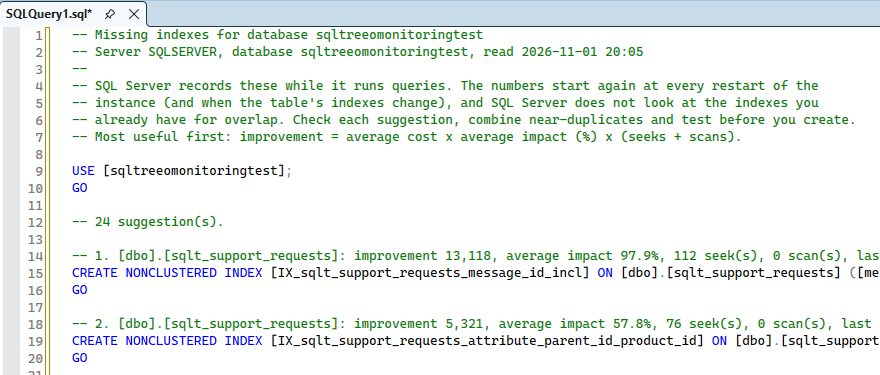
Virtual Folders shows the missing indexes SQL Server has recorded as a script you can run: right-click a database, table, view, stored procedure or function in Object Explorer and choose Missing indexes in a new query window. A new query window opens, connected to that server and database, with a script:
- a short explanation at the top,
- for every suggestion a comment line with the table, the estimated improvement (average cost × average impact × seeks and scans), the average impact in percent, the number of seeks and scans and the last time it would have been used,
- the
CREATE NONCLUSTERED INDEXstatement for it, with the key columns (equality columns first, then inequality columns) and the included columns.
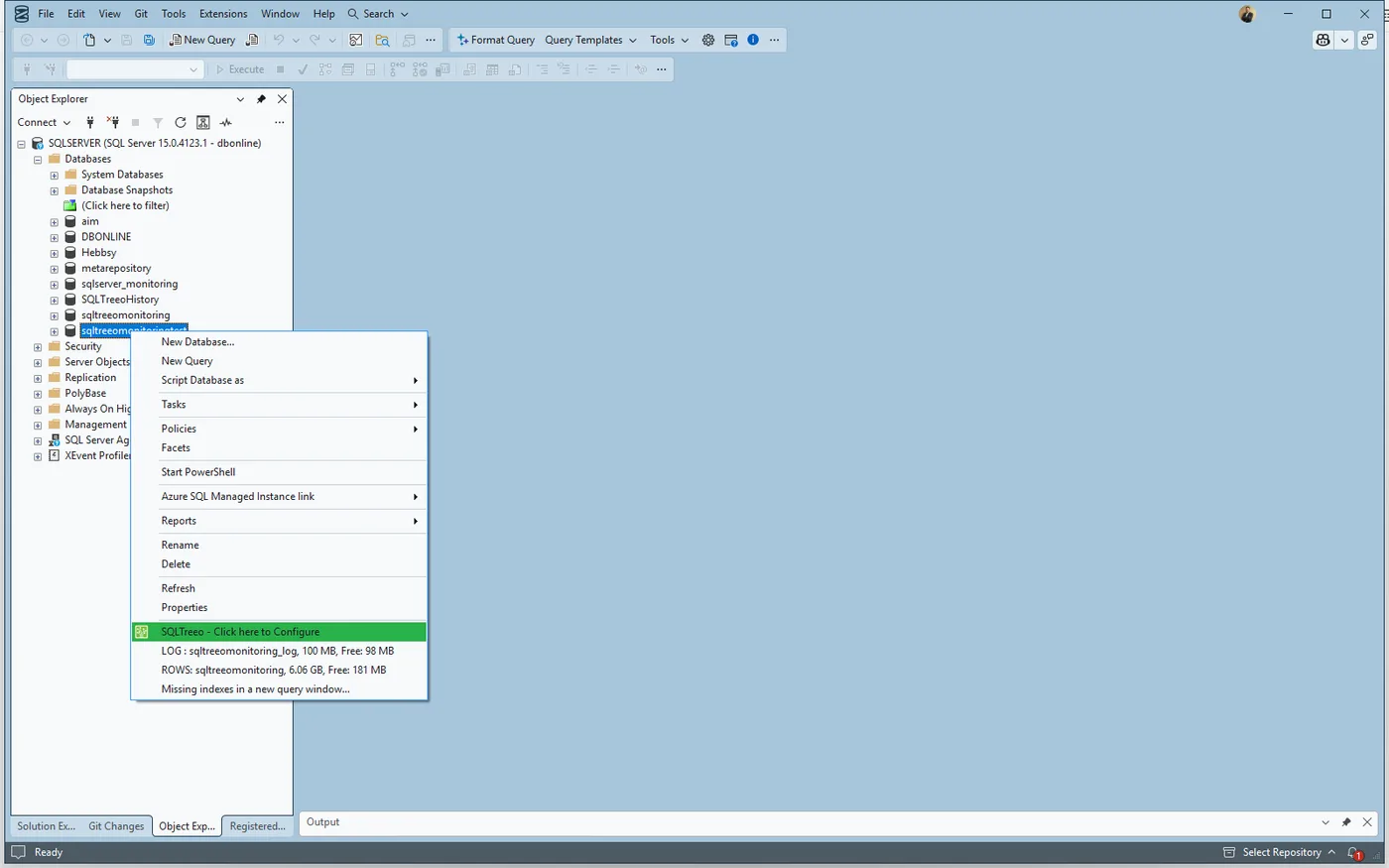
You find the item at the bottom of the menu, below the sizes of a database or the row count of a table:
The most useful suggestion is first, and there are at most 50. The script only suggests: nothing is created until you run it.
Where the suggestions come from
SQL Server records a missing index when it compiles a query and thinks an index would have made it cheaper (sys.dm_db_missing_index_details, sys.dm_db_missing_index_groups and sys.dm_db_missing_index_group_stats). Keep in mind:
- The numbers start again when the instance restarts and when the indexes of a table change.
- SQL Server does not compare a suggestion with the indexes you already have. Look at the existing indexes, merge suggestions that overlap, and test.
- For a database the whole database is listed. For a table only that table. For a view, procedure or function the tables it uses are looked up through its dependencies (also through other views and procedures it calls, up to six levels), so the suggestions belong to those tables and not necessarily to the object’s own queries. Dynamic SQL is not a dependency and is not followed.
Permission and connection
Reading the missing index views needs VIEW SERVER STATE (VIEW SERVER PERFORMANCE STATE on SQL Server 2022 and later, VIEW DATABASE STATE on Azure SQL Database). Without it the script says so instead of listing suggestions.
The query window is connected the way the Object Explorer connection is for Windows and SQL Server authentication. For other kinds of sign-in, such as Microsoft Entra ID, an unconnected window opens and SSMS asks you to connect. If the window cannot be opened at all, the script is put on the clipboard.
Switches
Each of the four menus (database, table, view, procedure and function) has its own switch on the Options page. The data is read when you click the item, not when the menu opens.