
Special SQL Agent Folders
Predefined SQL Server Agent folders for disabled, replication and Reporting Services jobs.
In SQL Server Agent we can have many jobs – especially when using Reporting Services – cluttering up your view.
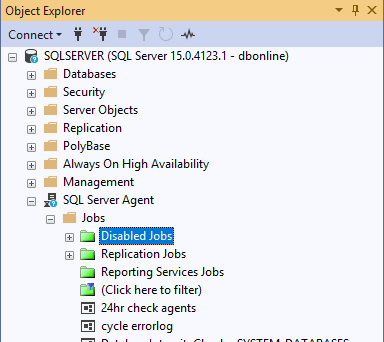
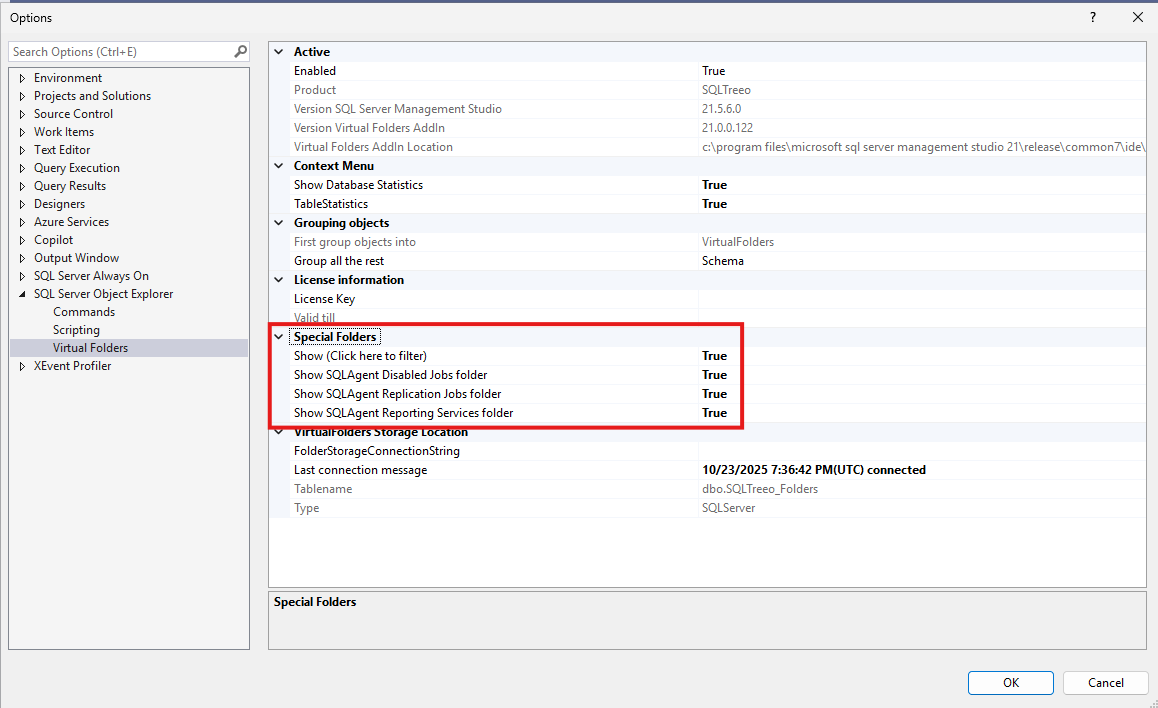
That is why we have created several predefined SQL Server Agent Folders. In the Options screen you can disable those predefined folders.
To determine those jobs, the AddIn performs a SQL Statement “EXEC sp_help_job” in the msdb database.
For Disabled jobs we fetch the “Enabled” flag of a job.
For Replication jobs we fetch the category of the job and check if the category name contains “REPL-“
For Report Services jobs we fetch the category of the job and check if the category is “Report Server”
It is important that the category of your jobs is correct (that’s the job of a database administrator)
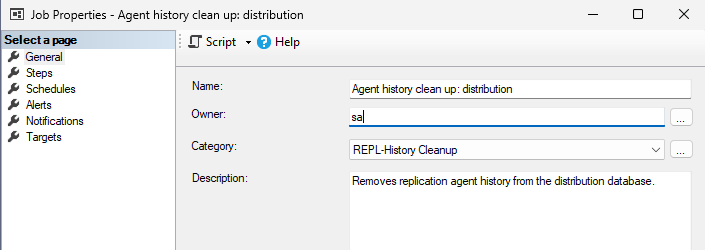
Here is an example of a job category:
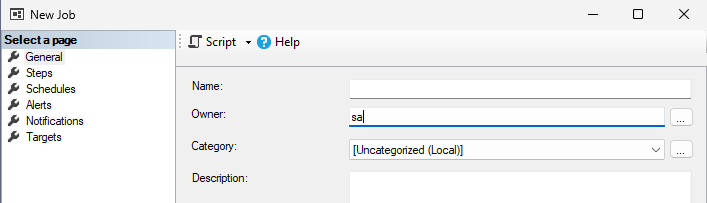
When a new job is created the category by default is Uncategorized.