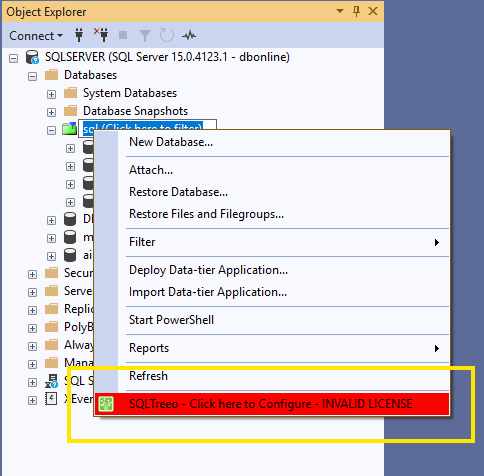

What is (Click here to filter)?
Use (Click here to filter) in the SSMS Object Explorer: type several names separated by ;, use % and _ as wildcards, or switch the box off.
Purpose
When navigating the Object Explorer tree, your primary task is to locate the object you want to work on. That is where (Click here to filter) helps you out.
In SSMS, the standard filter option requires two extra clicks to create or modify a filter, which can slow down navigation.
You can mouse click on the (Click here to filter) to enter it or when it already has focus you can press F2 to edit it.
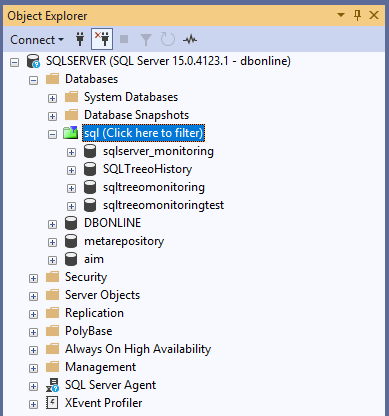
- enter multiple “search” criteria separated by a semicolon ;
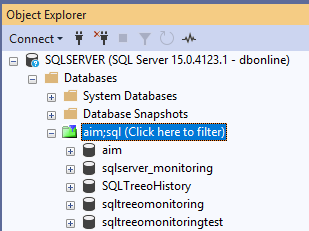
- not case sensitive
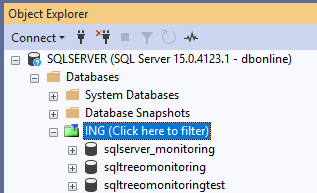
- use % as a wildcard
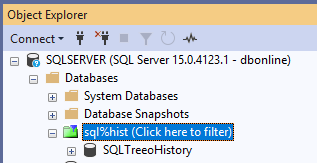
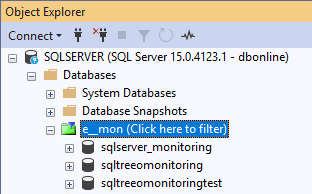
- use _ to specify a character wildcard
You can disable the (Click here to filter) option.
Via menu Tools -> Options -> SQL Server Object Explorer -> Virtual Folders:
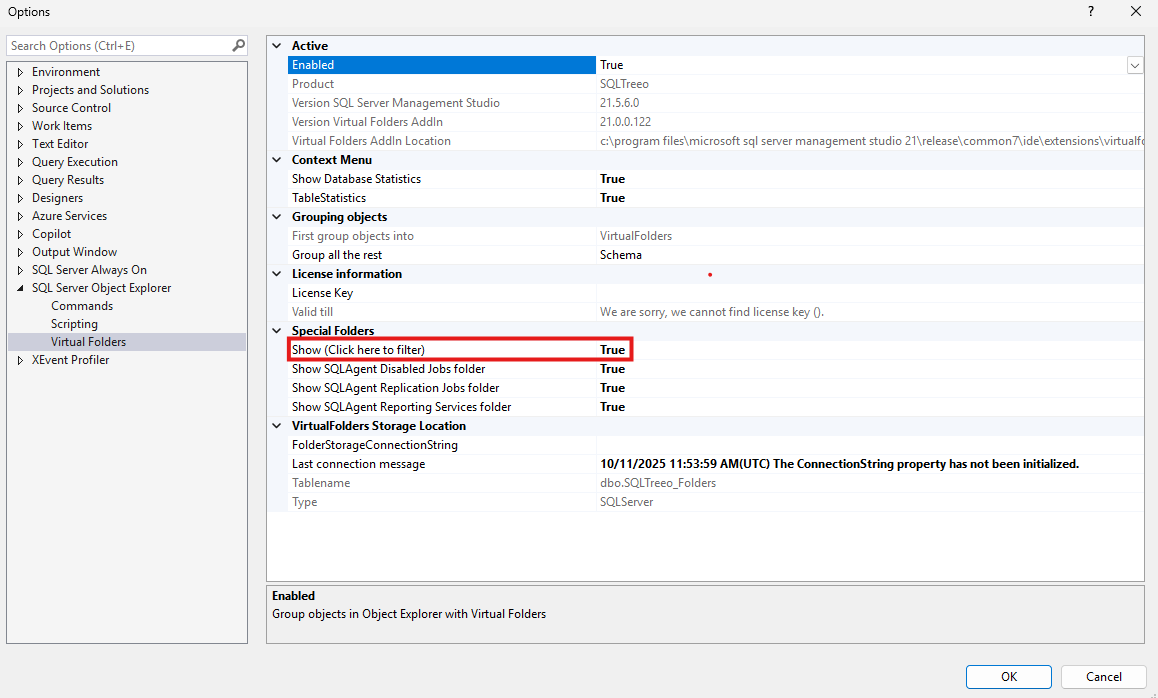
Use your right mouse click and select (Click here to configure) to enter the above options page.