

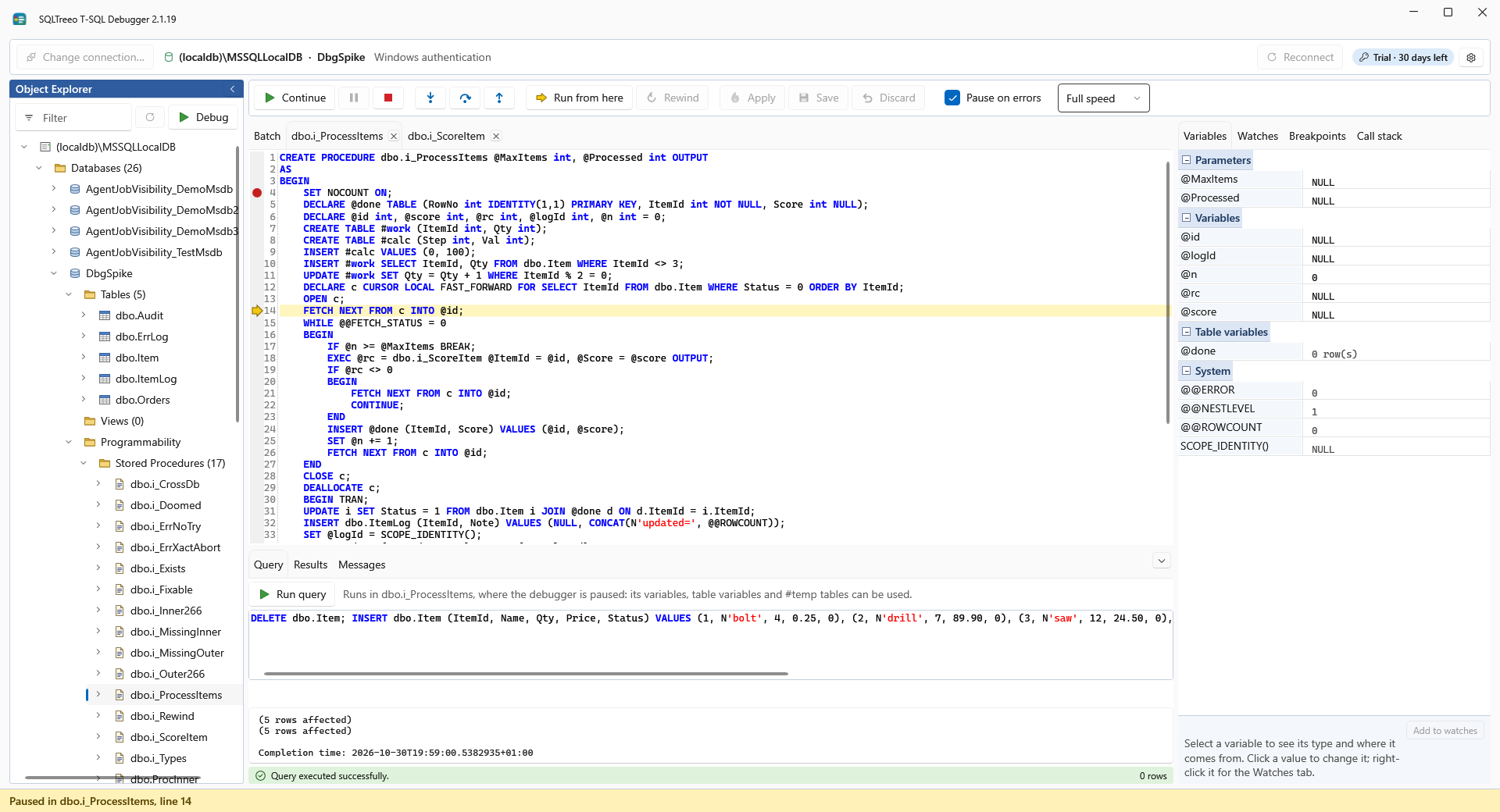
Step through the code, with the variables in view
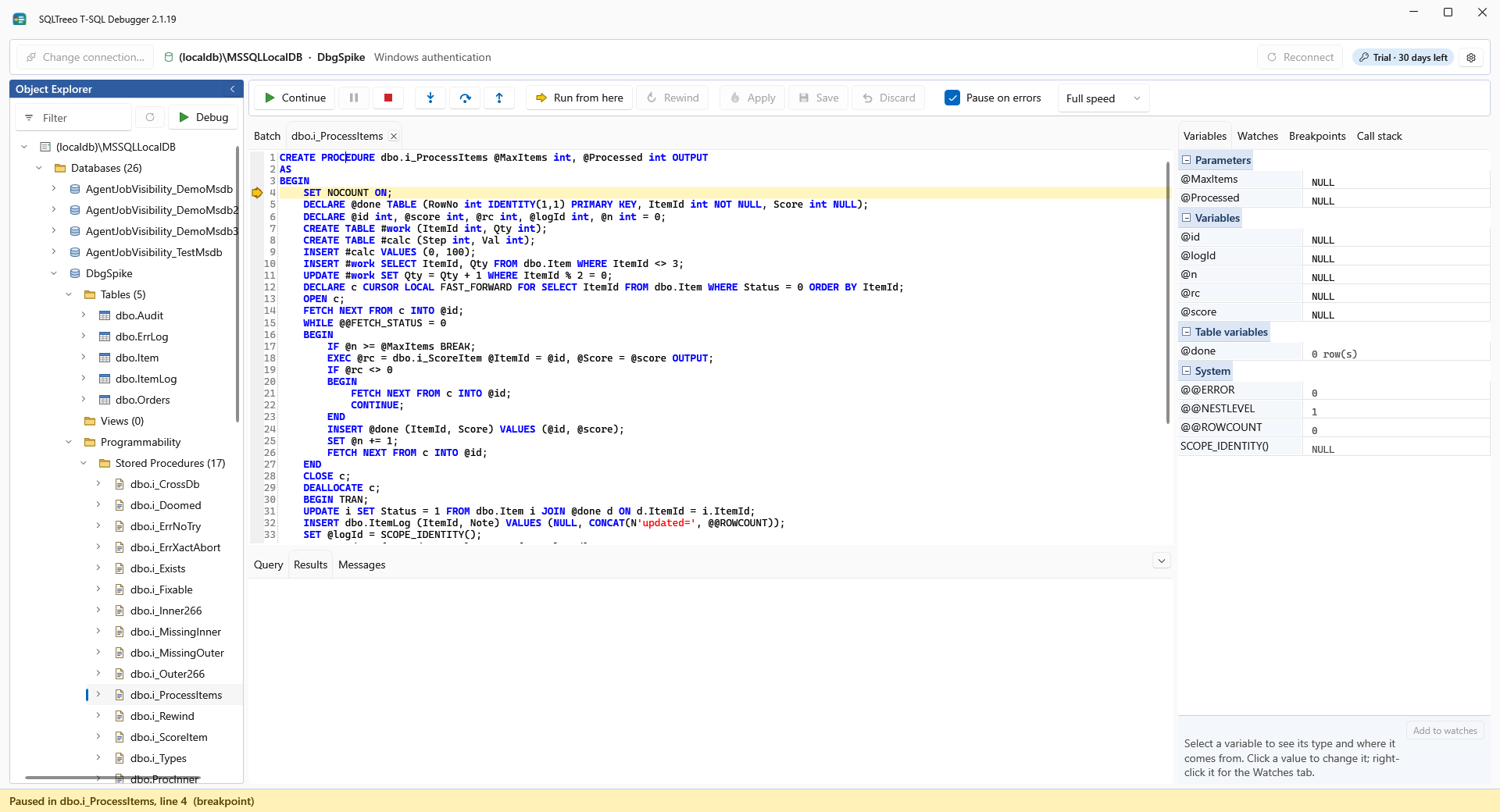
Pick a procedure or a function in the Object Explorer and press Debug, or use the right-click menu. Its call is written for you, the run starts in its database, and you press Start or step with Into, Over and Out.
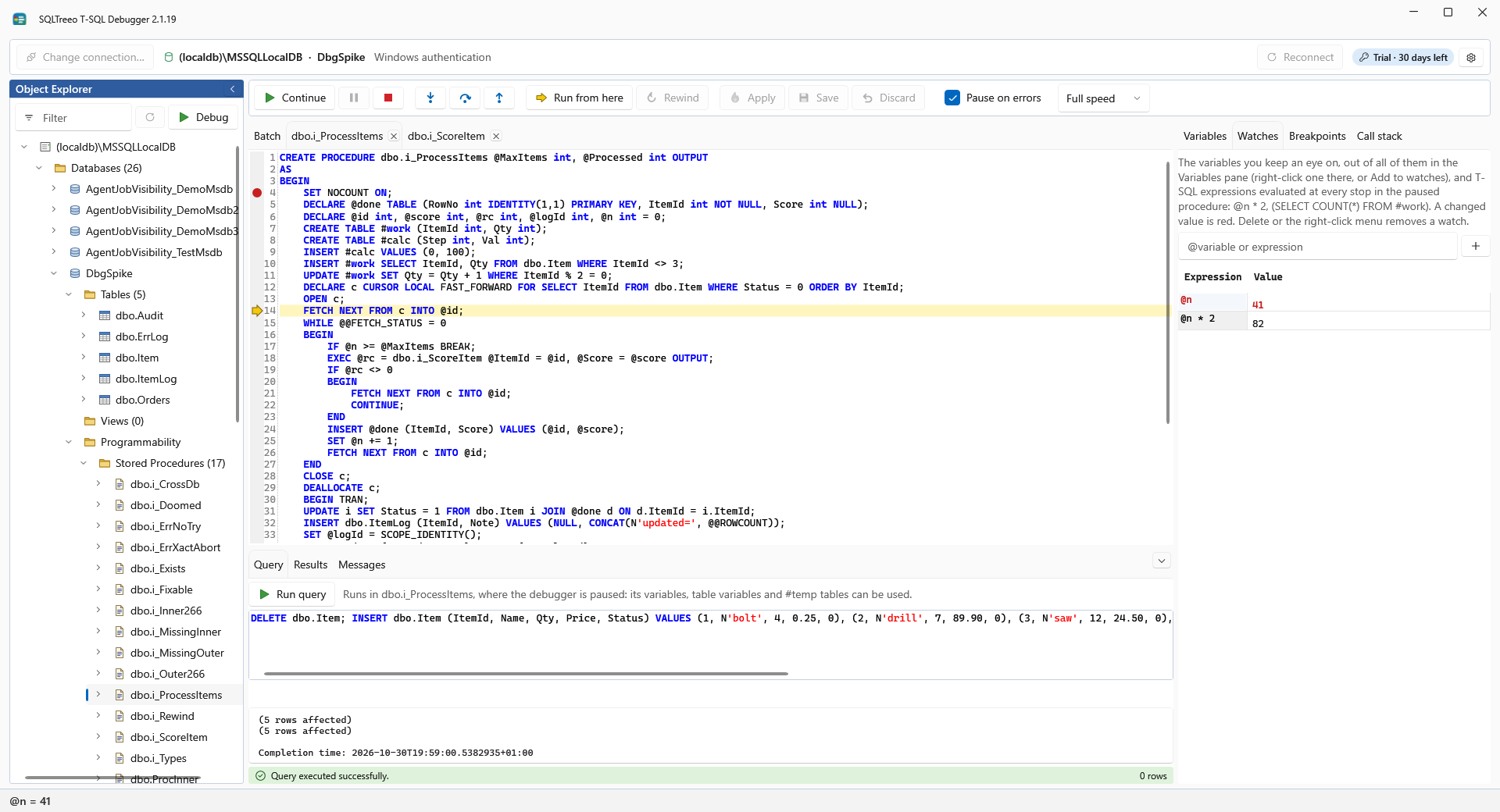
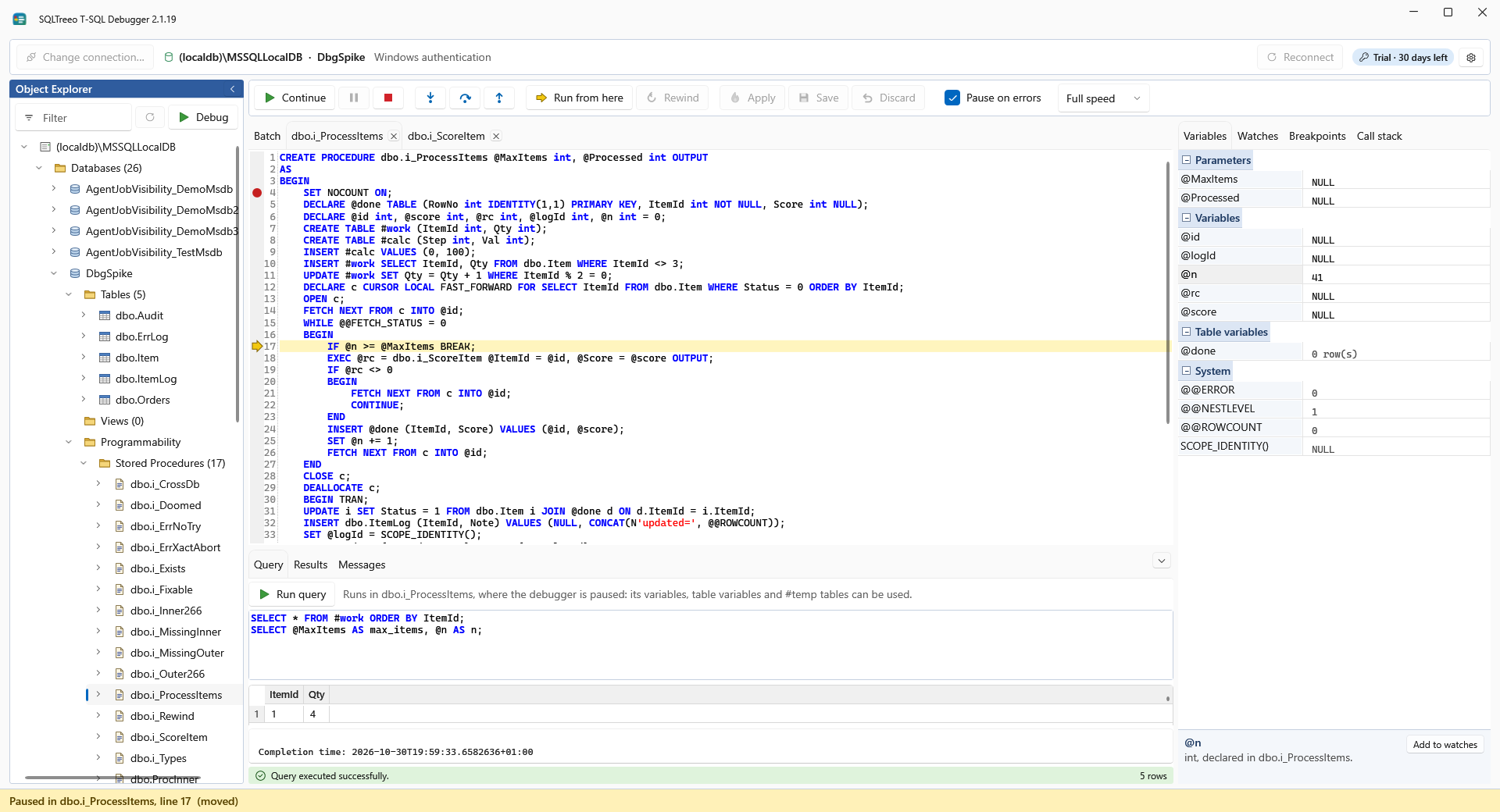
While the run goes on, the arrow moves through the code and the variables follow it. A slow speed lets you watch every statement.